Design an ICF home. Know what it will take to build.
ICF Designer turns a concept layout into ICF-specific quantities: blocks, concrete, reinforcing steel, labour, waste and budget forecasts, so you can test ideas and make informed decisions early.
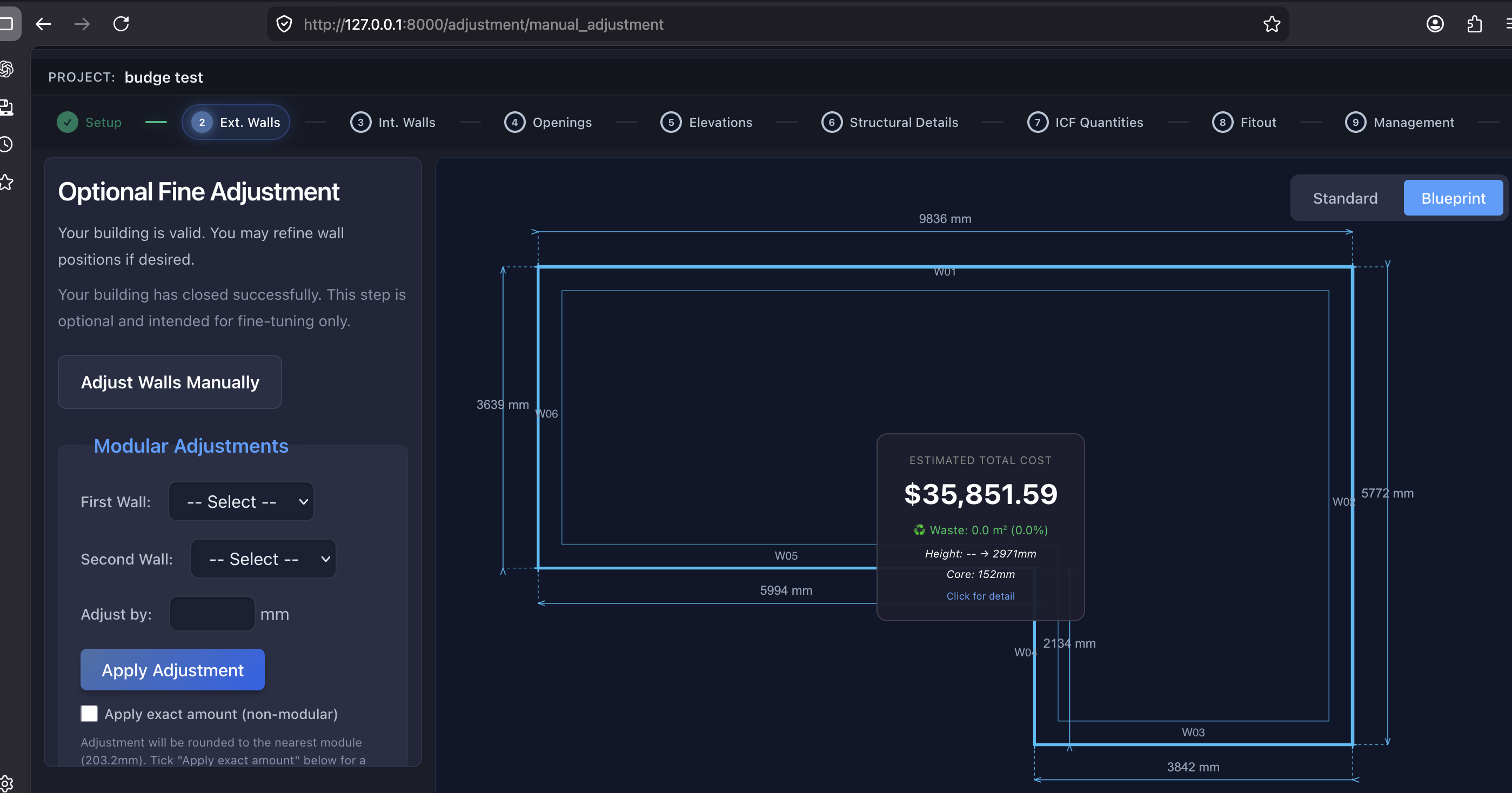

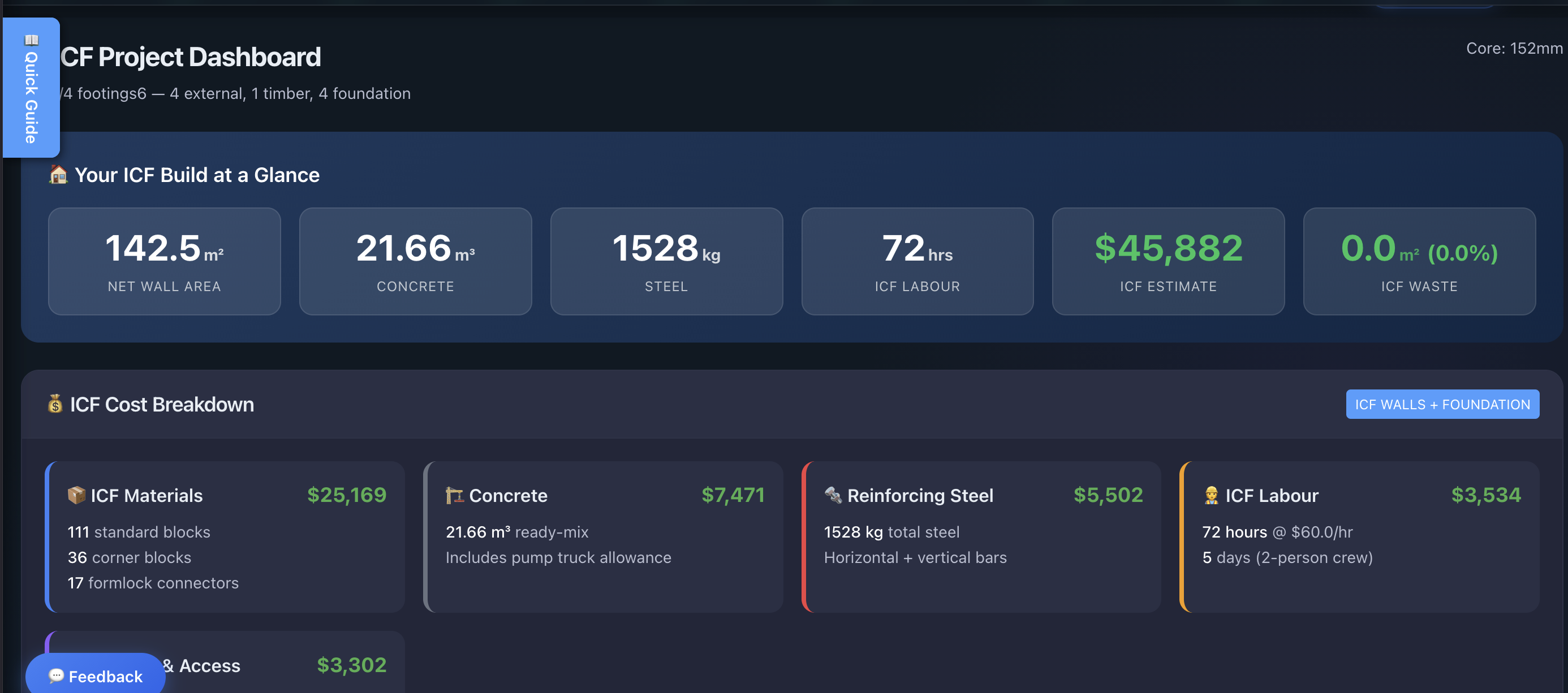
Every number traces back to the geometry
This is not a PDF tool, a budget spreadsheet, or a project-management add-on. It is an ICF-aware analysis engine — and these are its outputs.
Lay out the build the way ICF is actually built
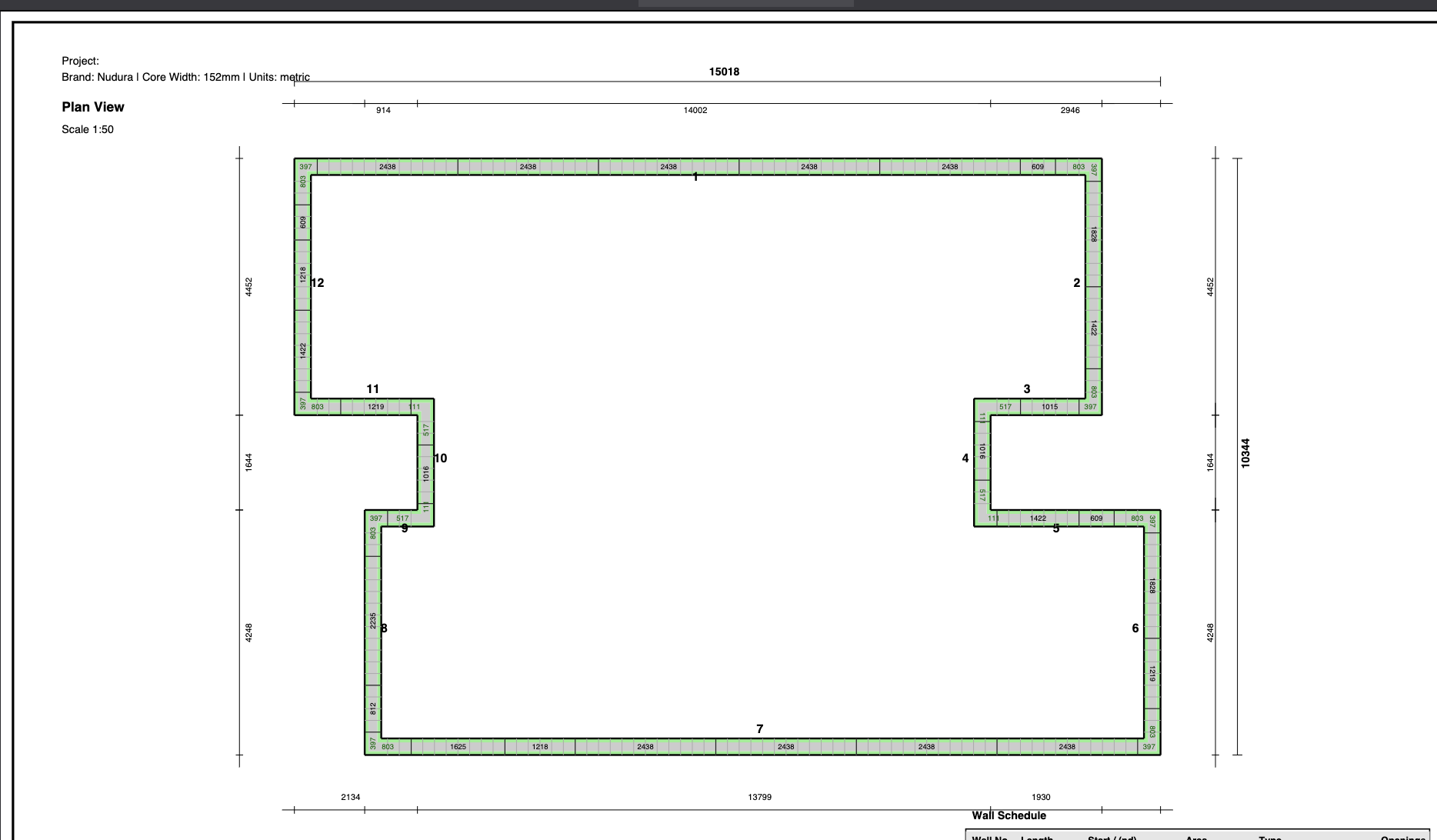
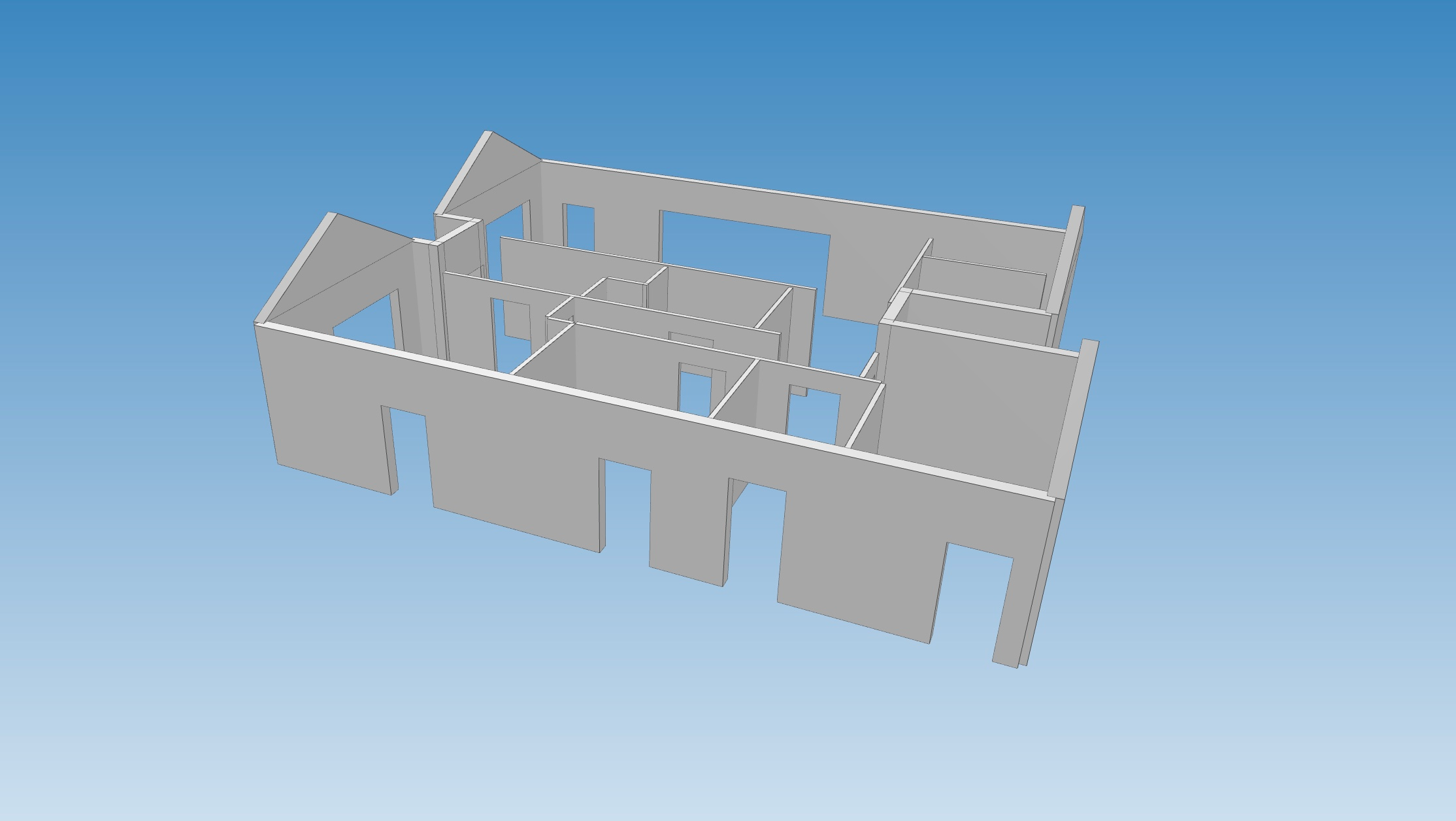
The layout resolves block coursing, corners, openings and offcuts automatically, so the model reflects real construction instead of a rough allowance.
- Full-module optimisation that minimises cuts and waste
- Corners, gables, mono-pitch and openings handled as ICF conditions
- Offcuts tracked for reuse across walls
A take-off that comes from the model, not a guess
Blocks, concrete volumes, reinforcing steel and waste are generated from the same geometry — so the numbers stay consistent as the design changes.
- Bar-by-bar reinforcing schedules, not just total weights
- Concrete volumes per wall and overall
- Waste quantified instead of assumed
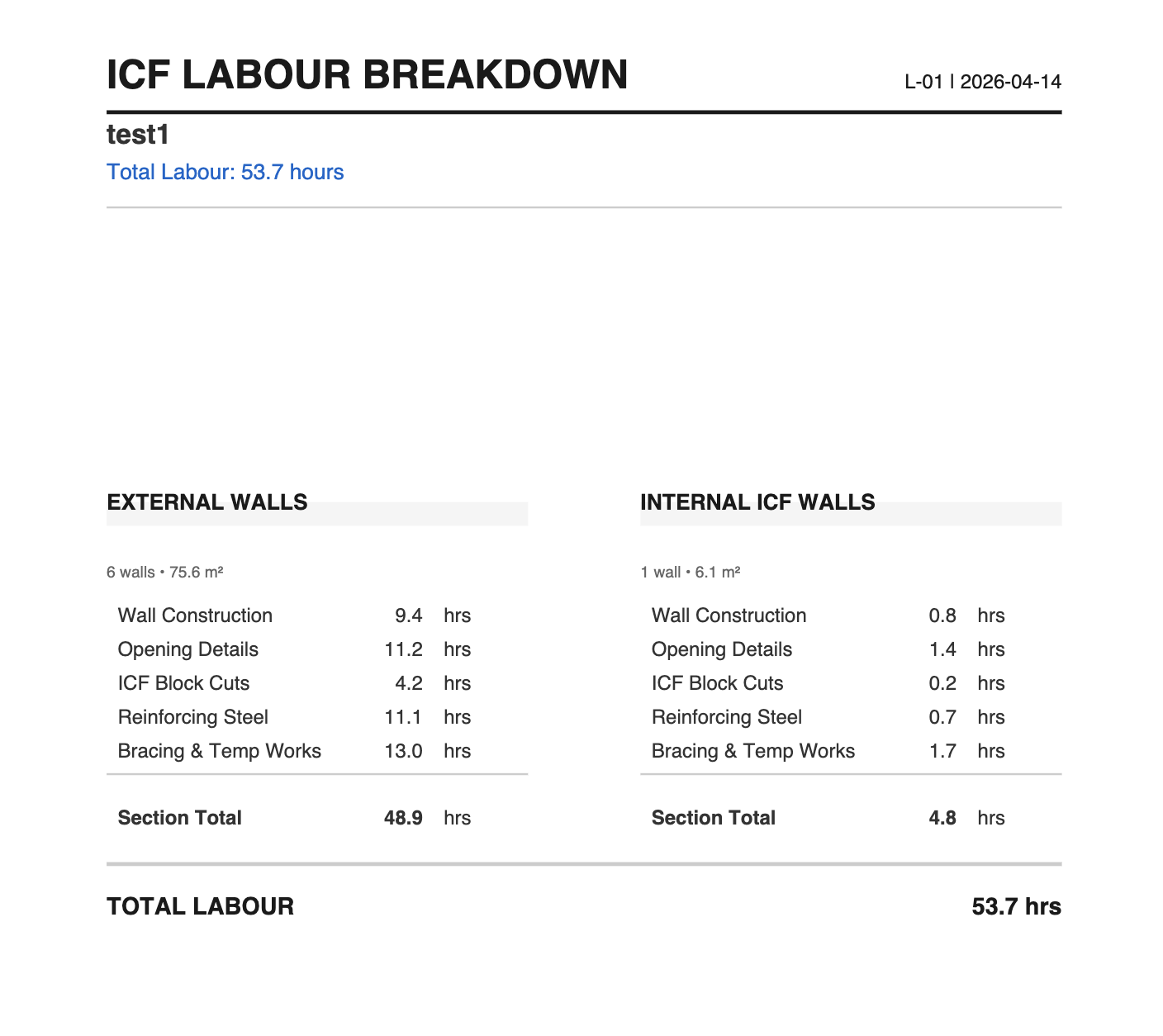
Labour and cost follow the same source of truth
Because labour and budget are derived from the optimised model, the cost you see at concept stage is the cost you can defend — and revisit every time the design moves.
- Labour effort estimated from real quantities
- Live budget that updates as you design
- Costs in your own currency
Wherever you start, the answer comes from the model
The engine is the same. Pick the door that sounds like you.
Homeowners & owner-builders
Test a concept before you commit to a design. See blocks, concrete, steel, labour and budget early — while changes are still free.
Test an ICF concept →Builders & contractors
Build a take-off from real geometry. Protect margin with explainable quantities, then carry them downstream to ordering and exports.
Build a trusted take-off →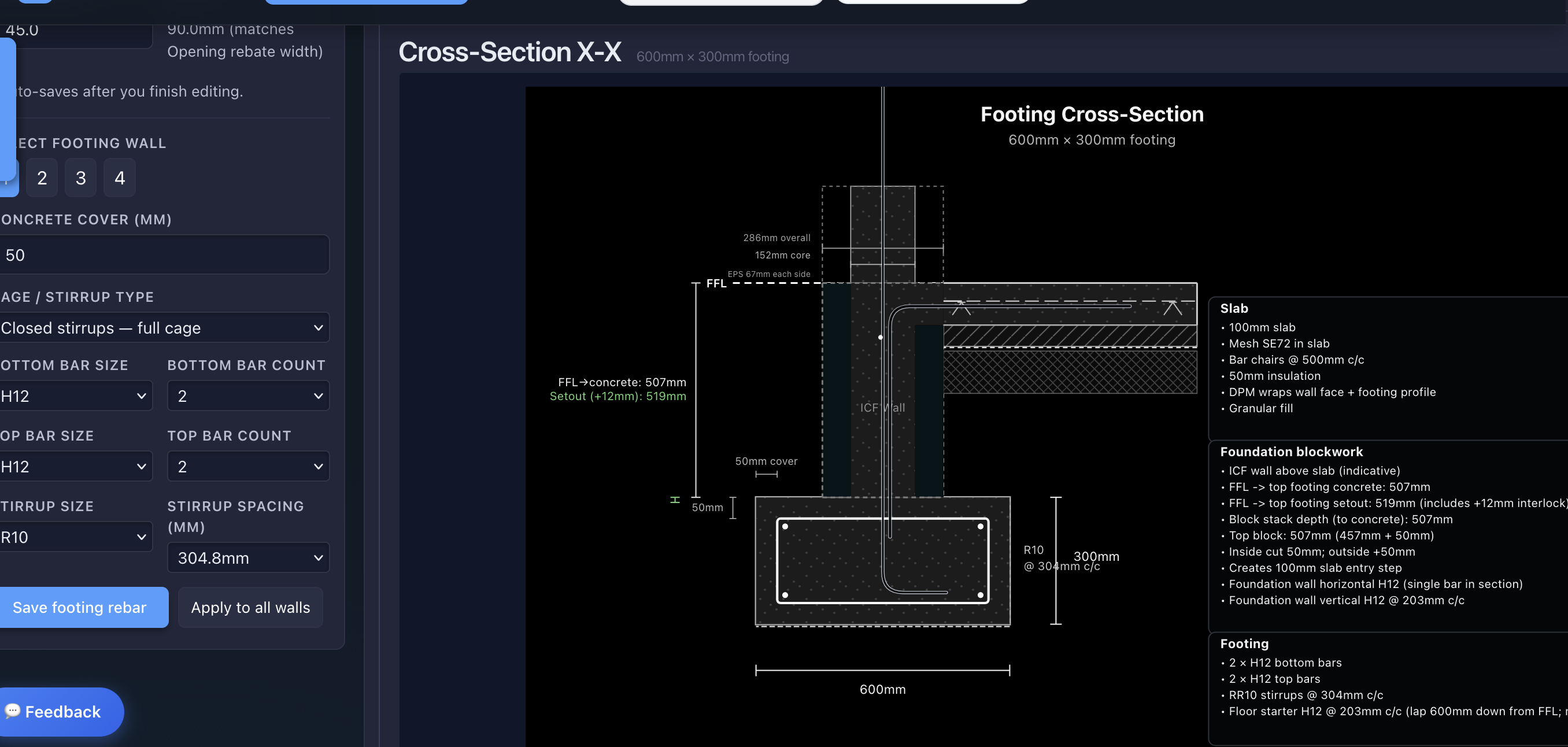
An estimate you can challenge, adjust and trust
Every headline number is backed by the model. Inspection views show how bars, laps, openings and quantities were derived — so an early estimate can be questioned and verified rather than taken on faith. Confidence comes from traceability.
Budgets, contractor ordering, PDF schedules and IFC exports are downstream outputs — they exist because the quantities are already trusted. Project management arrives when you need it, not before.
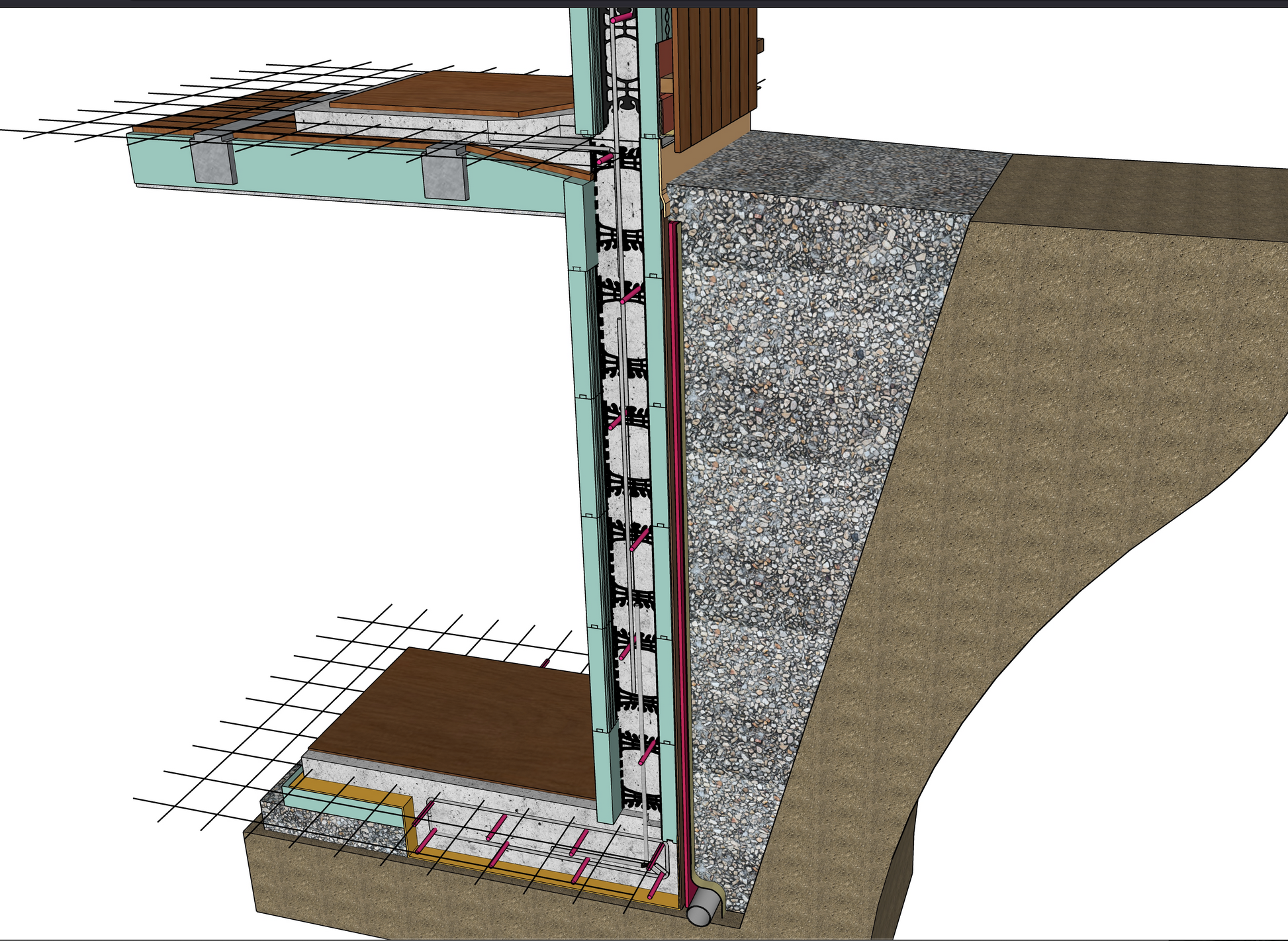
Example Cost Analysis Outputs
Outputs are useful because the quantities are already tied back to ICF geometry.
From Design to Fixed Price Quote
Complete your design and get connected with your local ICF distributor for a fixed price quote based on your exact design.
Currently supporting Nudura. Additional ICF systems coming soon.
Plans & Pricing
All prices in NZD. Start free, upgrade when you need more.
Know the build before you build.
Start a Free ICF ConceptNo credit card required
Stay Updated
Get notified when new features are released. No spam, just updates.
We respect your privacy. Unsubscribe anytime.